Podify with Podman Desktop
This tutorial shows how to use Podify in Podman Desktop to group existing containers into a Kubernetes-compatible pod.
1. Podify Overview
Podify is a Podman Desktop feature that takes one or more existing containers and groups them into a single Kubernetes-compatible pod.
A pod is useful when multiple containers should live together as one unit. Containers inside the same pod share the same network namespace, which means they can communicate through localhost. They can also share mounted storage when configured to do so.
When containers are created separately with Compose, each container normally has its own network identity. When those containers are grouped into a pod, they are treated more like a Kubernetes workload: the pod becomes the unit that can be described, moved, and deployed.
In other words, containers package the application processes, while pods describe how related containers live and communicate together.
This tutorial was guided by the following Podman Desktop article:
https://podman-desktop.io/blog/2024/10/05/kubernetes-blog
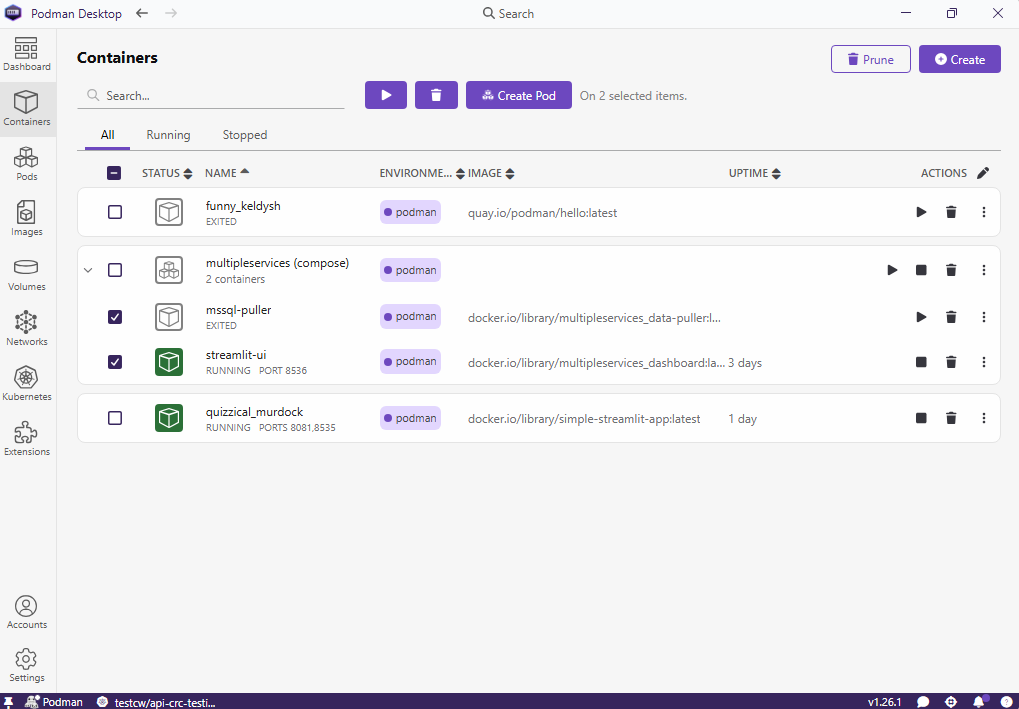
Continuing from the previous exercise, assume that the data-puller and dashboard containers should run in the same pod. From the Containers tab, select the two running containers.
When the Create Pod button appears, click it.
2. Creating a Pod with Podify
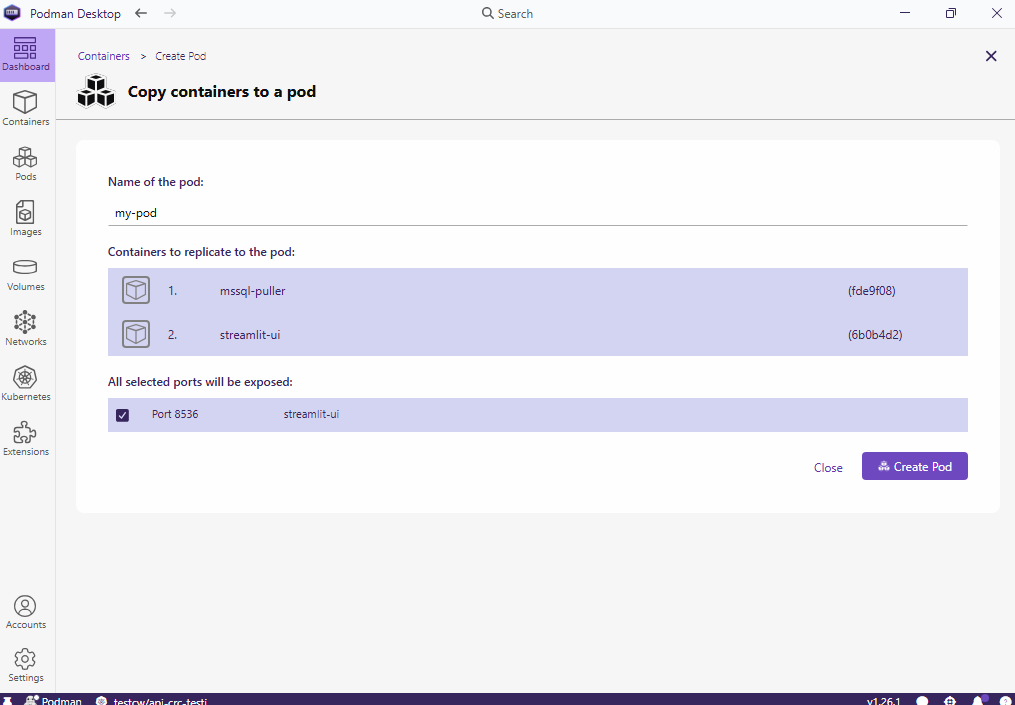
Enter a pod name, expose the required ports, and click Create Pod.
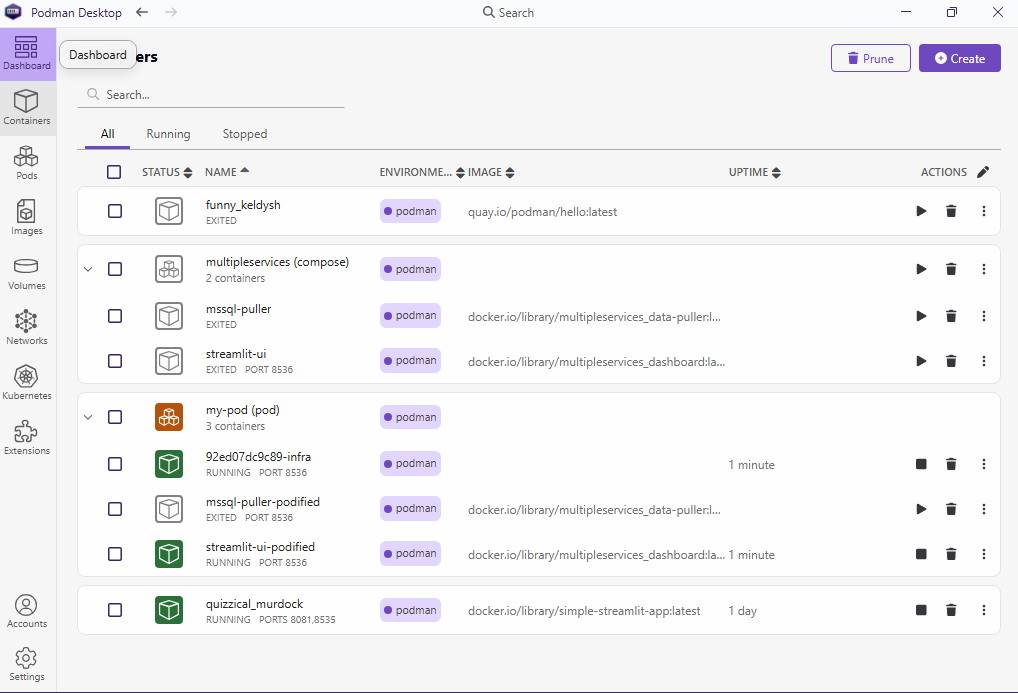
Back in the Containers tab, a new pod grouping appears:
3. Running the Application from the Pod
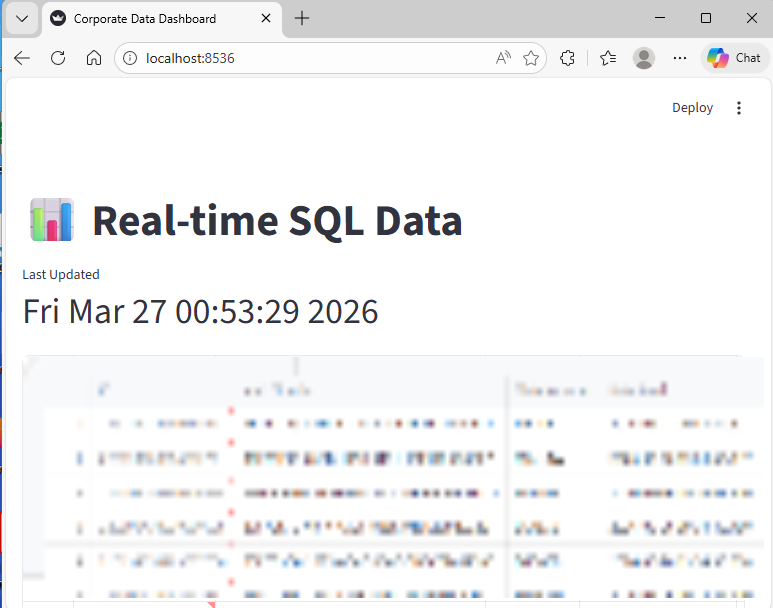
The dashboard application is available through the exposed port configured during pod creation.
4. Summary
This exercise introduced Podify in Podman Desktop. Podify is useful when you want to take running containers and turn them into a pod-like workload that aligns more closely with Kubernetes concepts.